
Searching Cases by Name
The Robertson County Clerk links iDocket for criminal, probate, and civil searches. A name search there can use an exact or sounds-like party name, then narrow results by county, court, case type, attorney, offense, or dates when the chosen access plan exposes those fields. Start with the least data needed. Too many filters can hide a match when a spelling, role, or filing date differs from what the searcher expects.
- Open the county clerk link and follow it to the Robertson County vendor search.
- Enter the last name and first name, trying exact and broader forms where available.
- Choose Robertson County, then narrow by court, case type, filed date, or attorney.
- Compare the cause number and court before opening the case-history display.
| Field Label | Type | Required | Notes |
|---|---|---|---|
| Party name | Text / exact or sounds-like | No | May distinguish plaintiff and defendant |
| County and court | Selection | Use to narrow | Choose Robertson and the likely court |
| Cause number | Text | No | Best key when known |
| Filed or disposed date | Date range | No | Use a broad window first |
| Attorney or offense | Text / selection | No | Availability can depend on plan |
Robertson County iDocket Gate
iDocket is a useful local bridge, but it is not the Robertson County Clerk. Its sign-in screen shows subscriber username and password fields as well as links for subscription, support, available counties, plans, and the Ruby FAQ. The vendor says data arrive as daily extracts from participating clerk systems. It may show parties, dates, costs, payments, document lists, attorneys, notices, offenses, and a case-history log. Images can depend on clerk participation, a subscription, and CHIPS.
The officially linked iDocket sign-in screen shows the access gate used for Robertson County searches.
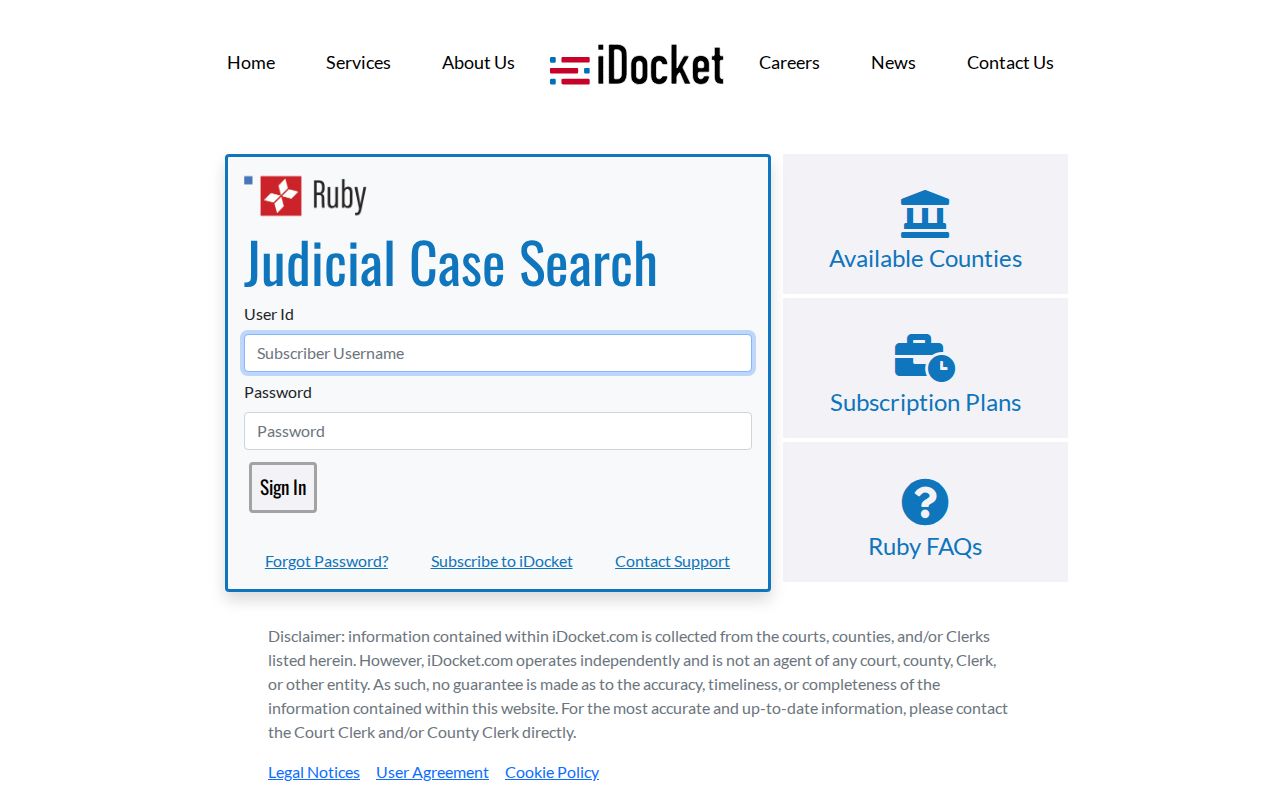
A login barrier or missing image describes vendor access, not the legal status of a Robertson County case record.
Vendor notices also disclaim accuracy, timeliness, and completeness. Confirm a current hearing, balance, disposition, or certified document with the court that owns the file.
Searching by Case Number
Robertson County district docket PDFs commonly use a two-digit filing year, month, sequence, and suffix. A representative structure looks like 26-03-12345-CR. The published examples support -CR for criminal, -CV for civil, -DV for family or divorce-style civil matters, and -JV for juvenile matters. These are local clues, not universal definitions. Preserve punctuation and try a compact version if a portal rejects the printed format.
A cause number is more reliable than a common name because it points to one clerk entry. Still check the county and court. The 82nd Judicial District serves Falls and Robertson Counties, so an 82nd District label alone does not prove the case belongs in Robertson County.
Robertson County Date PDFs
The 82nd District Court page publishes dated PDF dockets by year. Open the relevant date, verify the Robertson County heading, then search inside the file for the cause number. The sheets separate criminal, civil, and sealed pages and may identify a status, plea, motion, pretrial, trial, review, bond, custody note, attorney, or hearing time.
This channel answers a narrow question: whether a case appears on that posted setting list. It is not a full name index or a complete register of every filing. Search nearby dates, the District Clerk calendar, iDocket, and re:SearchTX when the expected entry does not appear. Then call the clerk if the date matters now.
Note: A dated docket remains a snapshot even when it is the newest PDF visible on the county page.
What a Case Search Returns
A Robertson County case search can return an index row, a date-sheet entry, or a deeper case-detail view. Those layers are not equal. The district PDF emphasizes settings, while iDocket may add a filing and payment history. re:SearchTX may expose electronic filings and hearing details. Read labels as procedural facts. A status entry is not a final result, a bond note is not guilt, and a payment line is not a certified disposition.
| Cause number | Local identifier, often with a -CR, -CV, -DV, or -JV suffix |
|---|---|
| Caption and type | Party style plus criminal, civil, family, probate, or another court classification |
| Dates | Filed, disposed, hearing, or docket date, each with a different meaning |
| Event | Status, plea, motion, pretrial, trial, review, or another setting label |
| File detail | Attorney, document list, cost ledger, or image when the source makes it available |
Robertson County Search Fields
The vendor FAQ is the best source for what its fields mean. It describes party and attorney searches, filed and disposed dates, offense and court filters, cause numbers, daily extracts, and optional document images. The range of fields explains why two searches can produce different sets even when both use the same name.
The iDocket field and image explanation illustrates the vendor workflow linked by Robertson County.
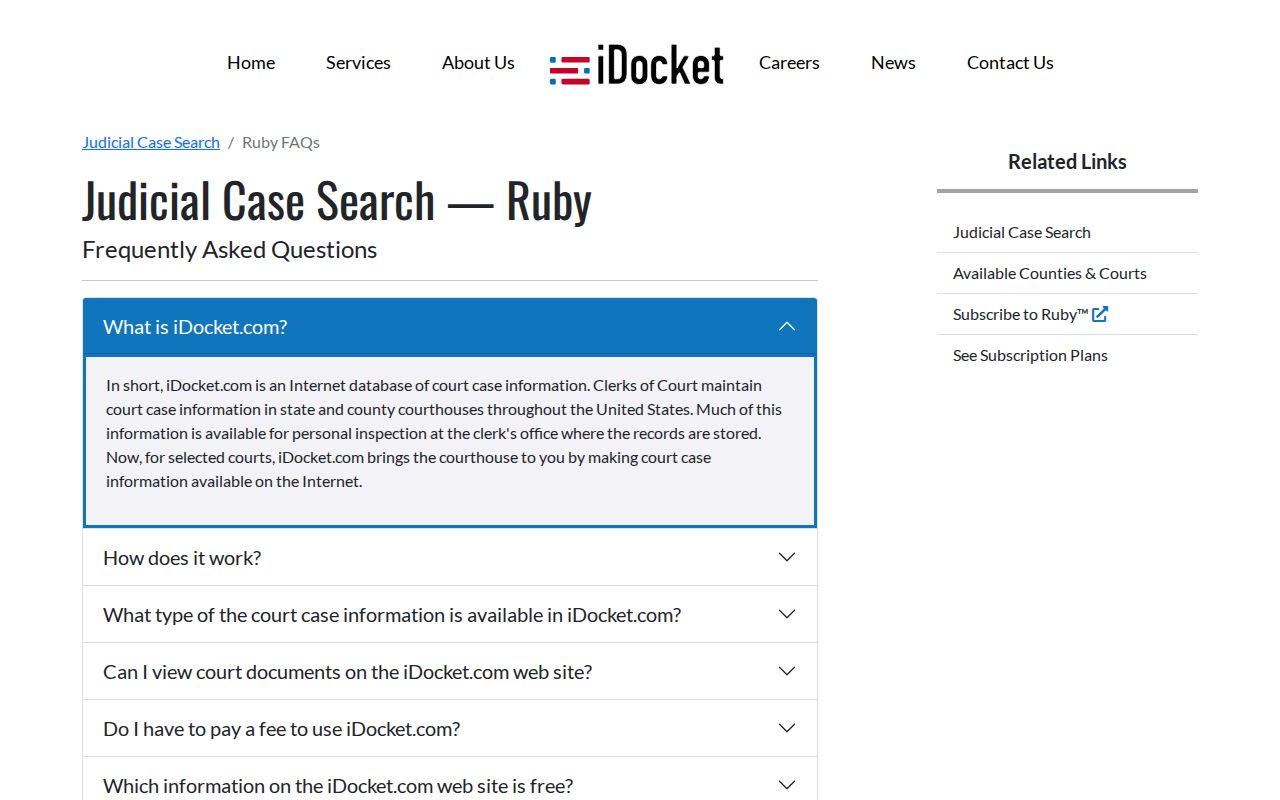
The field list helps form a query, while the Robertson County clerk remains the source for the official file.
Try a broad party search first, then add the court or date. For a known matter, use the cause number and check the result against the district PDF or clerk. Save the portal, filters, access date, and result count when tracking a case over time.
Statewide vs County Case Search
re:SearchTX is the statewide electronic-record layer. Its search can cover Cases, Filings, Text in Documents, and Hearings, with filters for case descriptions, filing data, hearing type, names, and roles. It can lead to case details and documents, though an account or purchase may be needed. The Texas Judicial Council describes its core repository as stronger for civil, family, and probate material and not a complete criminal source.
| Statewide Portal | Robertson County Portal |
|---|---|
| Participating Texas electronic records | Robertson-linked clerk extracts and local date sheets |
| Cases, filings, document text, and hearings | Local causes, dates, costs, history, and optional images |
| Best for civil electronic research across counties | Best for a known Robertson court or cause number |
| Account and document-purchase limits can apply | Login, plan, image, and coverage limits can apply |
Finding Robertson County Coverage
Coverage is a search question of its own. iDocket offers an available-counties screen, but the research did not establish a current Robertson County backfile date. A county listing does not mean every court, year, or image is present. Likewise, eFileTexas marking filing as mandatory does not turn that filing service into a complete public case index.
The iDocket available-county lookup shows where users can check a vendor’s current county listing.
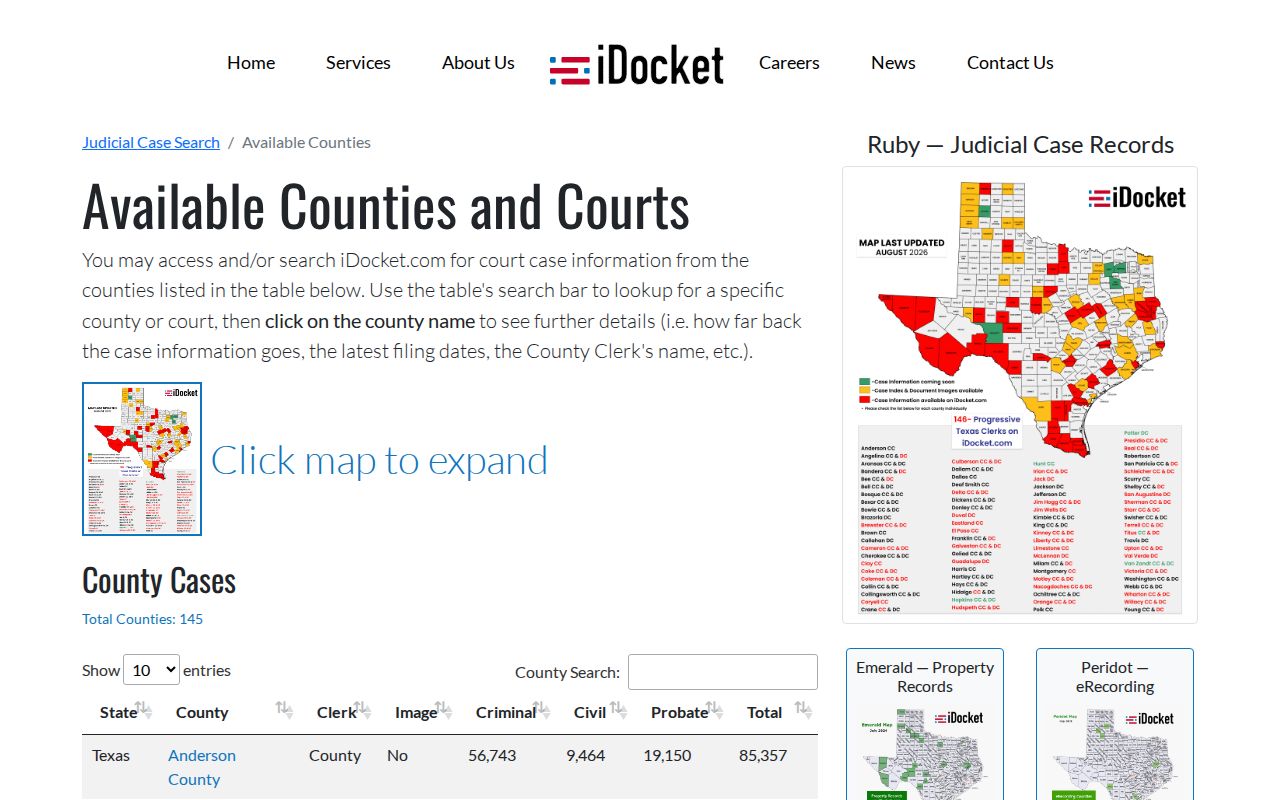
The county selector is a coverage check, not proof that a missing Robertson County case does not exist.
If no match appears, verify the court level, try the cause number with and without punctuation, widen the date range, and check whether the 82nd District entry belongs to Falls County. A municipal citation belongs with its city court; a JP matter belongs with the correct precinct; federal cases belong in PACER.
Robertson County Filing Is Not Search
eFileTexas lists civil filing as mandatory for Robertson County district, county, and probate courts, and criminal filing as mandatory for district and county courts. The same status chart marks public search as Limited. Those two facts belong together. Electronic filing lets an authorized filer send a document to a clerk, but it does not promise that the public can find the case, read the filing, or confirm a hearing through the filing service.
Use eFileTexas to understand the filing route, not as proof that a Robertson County case is absent. A public search still moves through the dated district PDFs, iDocket, re:SearchTX where covered, or the responsible clerk. This distinction also explains why a newly filed item can take time to appear in a vendor extract or statewide repository.
Access and Restricted Cases
Public access does not make every Robertson County case or every field visible online. Juvenile files are restricted under Texas Family Code Chapter 58. Civil sealing can be governed by Texas Rule of Civil Procedure 76a. Expunction and nondisclosure orders can remove or limit public display. Personal identifiers, victim information, protected addresses, and financial data may also be redacted.
An absent record may reflect a lawful restriction, a paper-only item, the wrong court, or a vendor coverage gap. Ask the District Clerk, County Clerk, JP clerk, or municipal clerk for the public or redacted version and the process that applies. Texas Government Code §552.0035 also means the Texas Public Information Act is not a universal route to adjudicative records. The clerk and applicable court rules control the case-file request.
For judicial administrative records, consult Texas OCA’s open-records policy and Rule 12. For a court case record, begin with the clerk that holds it.
Note: Search only the minimum personal data needed and do not republish protected information from a public result.
A direct Robertson County request should state the exact court, cause number, county, date range, and record sought. Say whether the need is a docket entry, setting confirmation, filed image, inspection, plain copy, or certified copy. For a district matter, use the District Clerk at 102 E Decherd St. in Franklin or 979-828-3636. For a county-court or probate matter, use the County Clerk at 103 E Morgan St. or 979-828-4130. Justice and municipal matters stay with their own clerks.
Keep name searches narrow in purpose and broad in technique. Record the portal, access date, spelling, filters, and result count. If a result changes, compare the cause number and filing history rather than relying on a screenshot alone. Robertson County court dockets are process records. The signed order, judgment, or clerk-certified copy supplies stronger proof of what the court did.
A search for probate, guardianship, or another county civil matter should also account for scheduling. The Robertson County Judge page says those matters are set by appointment. Finding a cause in iDocket does not establish the next hearing. Ask the County Clerk for the file and the judge’s office for the current setting. This split is a strong reason to record both the search result and the later clerk confirmation. The same care applies to lower courts. A city payment page may identify a citation, yet the municipal clerk still holds the plea, disposition, and copy record.