
How to Get Court Records
Start by naming the court. The Robertson County District Clerk keeps district civil, criminal, family, and juvenile files. The Robertson County Clerk holds Constitutional County Court civil, criminal, probate, and guardianship records. Each justice court and municipal court keeps its own lower-court file. Online access includes county-posted district docket PDFs, the County Clerk’s iDocket link, and re:SearchTX. None is a complete substitute for the custodian.
A direct request can be made by phone, mail, or at the correct clerk’s counter. The research found no single countywide electronic request form. Give the court, cause number, date range, exact document, and copy type. Ask for current fees, payment methods, and delivery options before mailing anything.
- Identify the court and custodian.
- Locate the cause number and document title.
- Choose inspection, plain copy, image, or certification.
- Confirm cost and delivery with the clerk.
- Check the document and certification received.
Robertson County Clerk Routes
The District Clerk page routes requests for 82nd District Court records, dated dockets, forms, fees, and calendars.
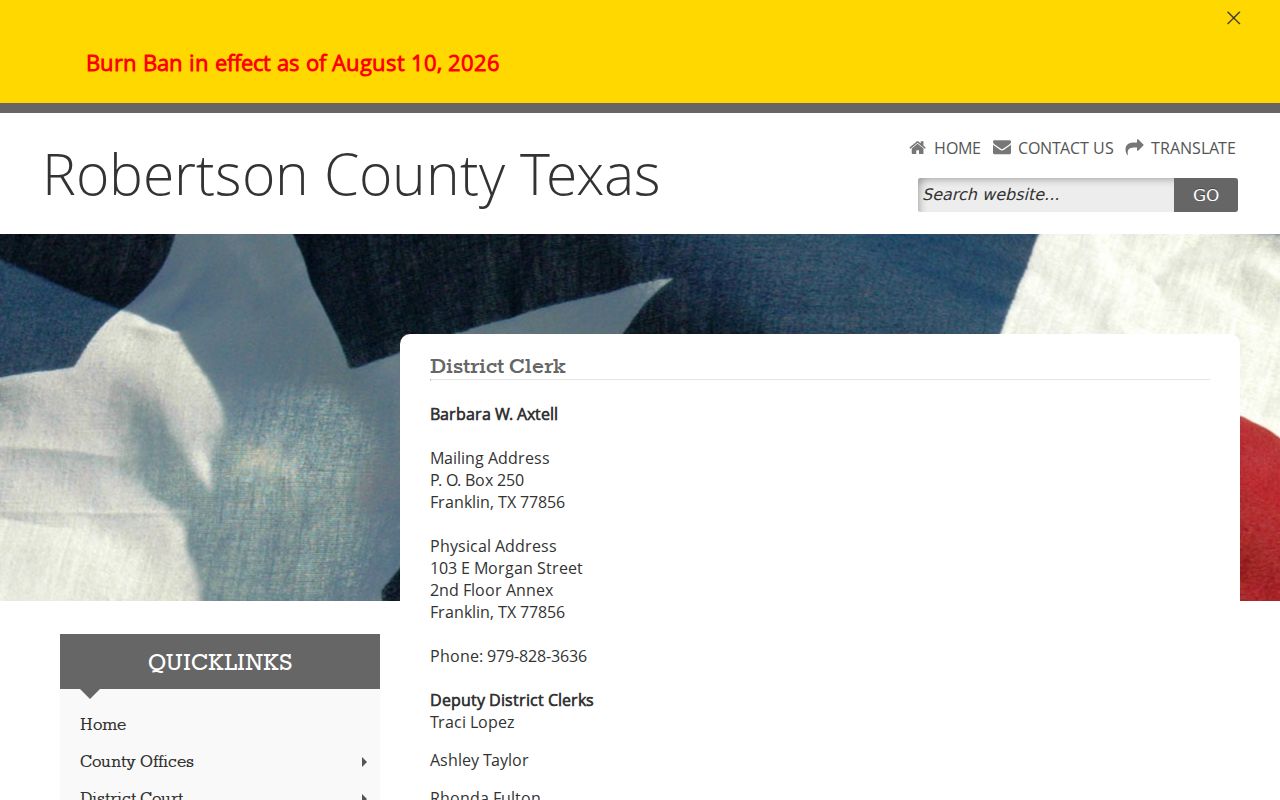
The office keeps Robertson County district civil, criminal, and juvenile dockets under the court’s direction.
The County Clerk page covers Constitutional County Court, probate, guardianship, copies, and certification.
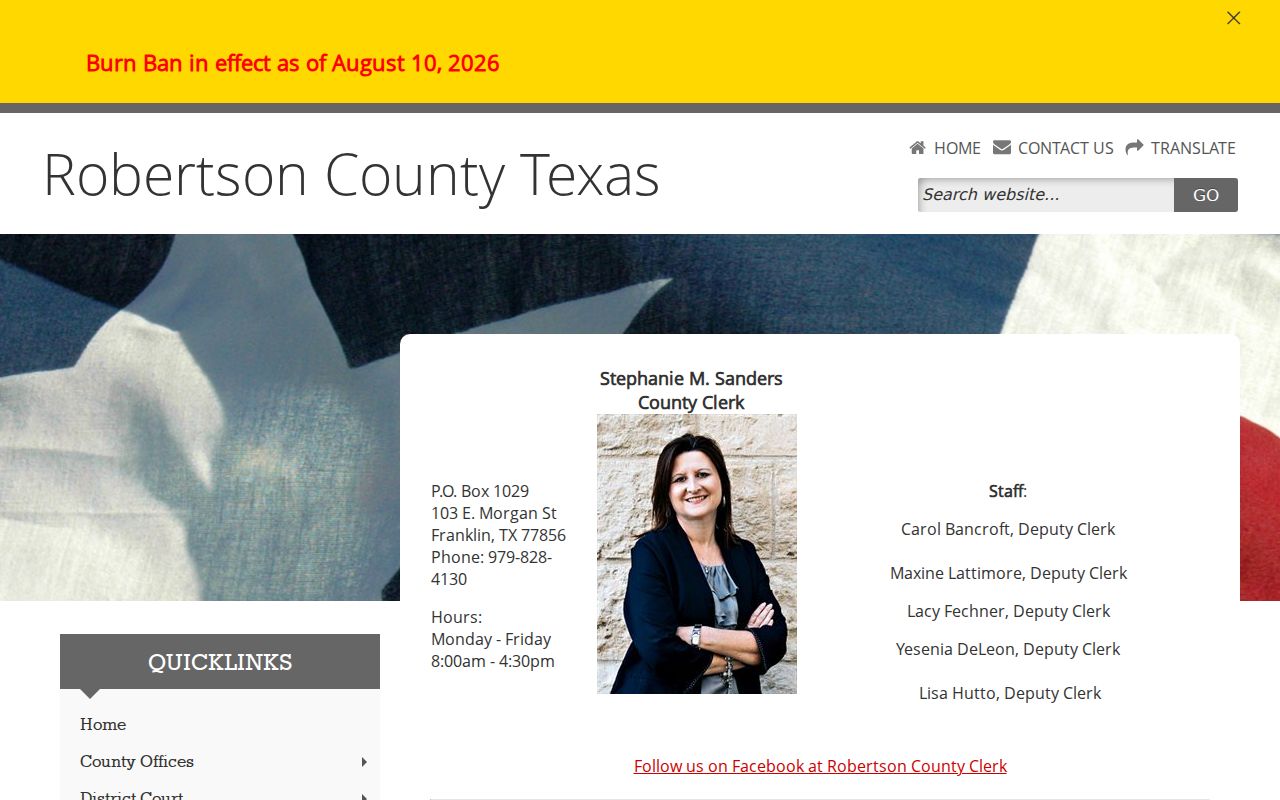
Its search link helps identify a cause, while the clerk supplies the official county-court record.
District Clerk
103 E Morgan Street, 2nd Floor Annex, Franklin, TX 77856
979-828-3636
Mail: P.O. Box 250, Franklin, TX 77856
County Clerk
103 E Morgan St., Franklin, TX 77856
979-828-4130
Monday-Friday, 8:00 a.m.-4:30 p.m.
Types of Court Records
Robertson County court records exist in layers. A calendar gives a setting. A register lists activity. Pleadings state what parties asked for, while signed orders show what the court ordered. Exhibits and transcripts may follow separate access rules. Cost ledgers show financial entries but should be confirmed after payment, waiver, indigence, or transfer.
- Dated docket and calendar settings
- Chronological case history
- Pleadings, motions, notices, and responses
- Signed orders, decrees, and judgments
- Exhibits and transcripts where public
- Costs, fines, fees, and payment entries
County Clerk recording work for deeds, liens, plats, and vital records is not automatically a court case file. State which type is needed.
Robertson County Record Layers
A docket line can identify a hearing without containing the motion behind it. A register can list a judgment without displaying the signed image. A portal print can aid research yet fail a need for clerk certification. This layered design explains many gaps in Robertson County online results.
| Layer | Source | Purpose |
|---|---|---|
| Dated docket | District Court PDF | Shows when and why a cause is set |
| Case index | iDocket or re:SearchTX | Shows available activity and filings |
| Filed image | Portal or clerk | Shows the text of a filing or order |
| Certified copy | Official clerk | Provides clerk authentication |
Images can depend on clerk participation, plan access, and fees. Public access does not always mean a free online download.
What a Court Record Contains
A Robertson County record begins with the cause identity and builds a procedural history. District docket samples show the county and date, docket type, case number, caption, time, event, attorney, and selected status notes. A fuller register can add filing and disposition dates, document titles, costs, payments, and cross-references.
| Cause number | Local identifier, often ending -CR, -CV, -DV, or -JV |
|---|---|
| Pleadings | Petitions, motions, answers, notices, and responses |
| Orders | Signed rulings, decrees, dispositions, and judgments |
| Docket history | Filed dates, settings, events, and disposition dates |
| Financials | Costs, fines, fees, payments, or waivers |
| Other material | Exhibits and transcripts whose access must be confirmed |
Read a status label as a process step, not a final judgment. Read the signed document for the court’s full action.
Robertson County Portal Limits
iDocket says it may display filings, notices, subpoenas, attorneys, costs, payments, offenses, and case history. It is independently operated and disclaims accuracy, timeliness, and completeness. A missing image may mean the clerk has not enabled images, the selected plan lacks access, the item remains on paper, or a legal limit applies.
re:SearchTX can provide case details, hearings, filing data, and documents for participating electronic records. It is not equally complete for all types, especially criminal files. Robertson County’s mandatory e-filing status addresses submission by authorized filers, not full public search.
Note: Confirm a current balance, hearing, disposition, and signed order with the official Robertson County custodian.
Certified Copies and Fees
A plain copy reproduces a public document without clerk authentication. A certified copy adds it. Identify the exact judgment, order, decree, probate order, or other item before seeking a quote. A portal print is not automatically certified, and a certified docket may not replace the certified final order that is actually needed.
| Item | Posted amount or route |
|---|---|
| County Clerk non-certified copy | $1 in the 2024 category |
| County Clerk certified copy | Generally $6 first page plus $1 each added page |
| District Clerk copy | Confirm in the separate District Clerk fee PDF |
| State-court transcript | Amount not located; ask reporter or clerk |
The County Clerk figures come from a schedule effective January 1, 2024. Filing fees, recording charges, portal image costs, transcript charges, and certification are separate. Ask for a current total before paying.
Case or Judicial Records
Texas uses distinct routes for adjudicative case files and judicial administrative records. The Texas OCA open-records policy says court case records are not handled like ordinary executive records under the Texas Public Information Act. Pleadings, orders, and dockets begin with the clerk. Rule 12 can apply to judicial administrative records.
The official policy illustrates the boundary between a judicial record and a court case record.
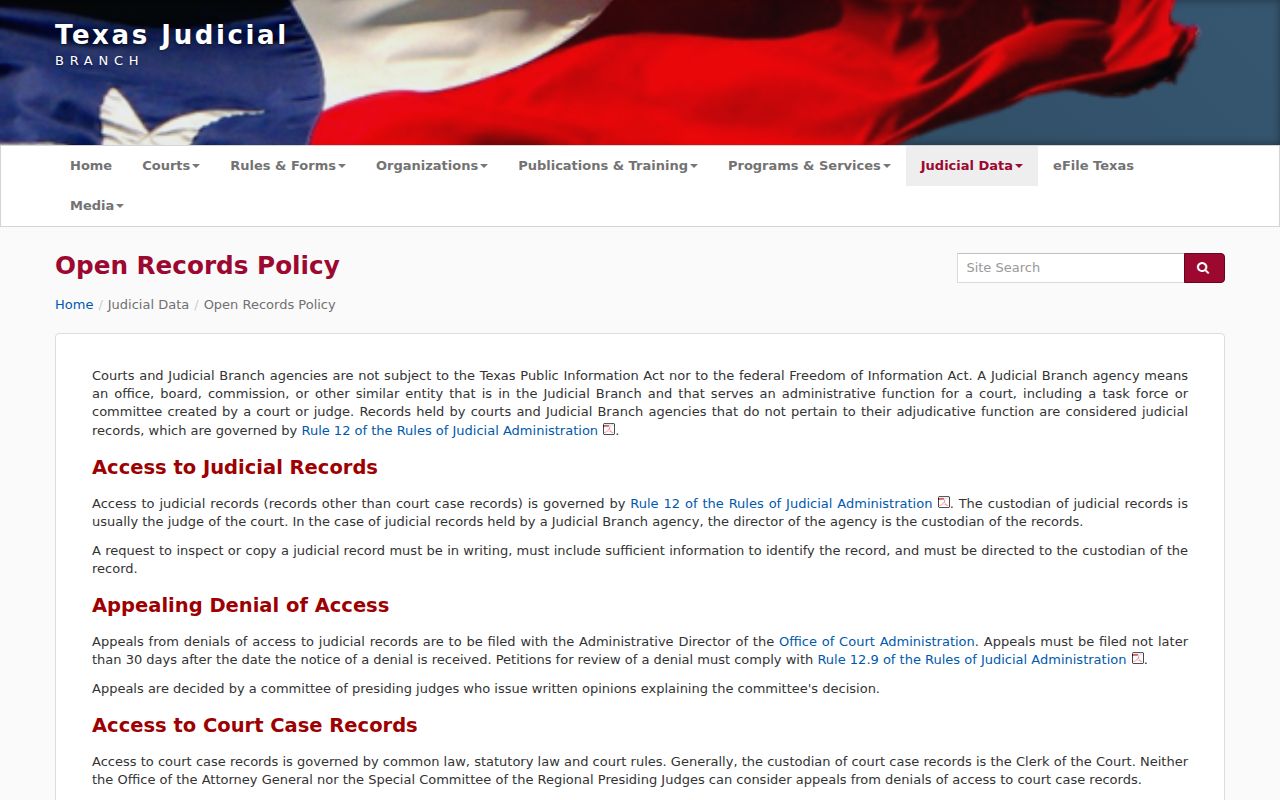
Choosing the right category keeps a Robertson County request from entering the wrong process.
A signed order in a named cause is a case record. A court administration policy may be a judicial record. Another county department’s administrative record may fall under the Texas Public Information Act.
Public Access and Sealed Records
Robertson County court records can be public, public after redaction, restricted, or sealed by order. Texas Rule of Civil Procedure 76a addresses civil sealing. Texas Family Code Chapter 58 protects juvenile data. Nondisclosure and expunction orders can limit public display. Victim data, account numbers, and protected addresses may be removed.
Sealed does not mean erased, and unavailable online does not prove a sealing order. Ask for a public or redacted version and whether an order controls access. Robertson County’s SB1667 material shows expunction can involve district and county clerks, prosecutors, supervision, and justice courts.
Texas Government Code §552.0035 places judiciary information under Supreme Court rules or other law. Begin a case-file request with its clerk.
Use only the data needed. Do not reproduce juvenile names, victim identifiers, medical details, or financial account information.
Robertson County Missing Files
When a record does not appear online, work through the court structure. Check whether the cause belongs to the District Clerk or County Clerk. A Class C, small civil, debt, or eviction matter may be held by one of four justice courts. A city ordinance case belongs to its municipal court. The 82nd District serves Falls and Robertson Counties, so verify the county heading as well as the district number. Federal matters follow the Western District of Texas, Waco Division, and PACER.
Try cause-number variants with and without punctuation, widen the date range, and inspect official dated PDFs. Ask whether the item is paper-only, awaiting an extract, available as an index without an image, or affected by redaction. No official online historic docket-book scan was found. A direct archival inquiry to the District Clerk or County Clerk is the supported route.
Give the clerk a short request with the court, cause number, filing date, document title, and desired copy type. A vendor support desk can fix an account issue, but only the Robertson County custodian can certify the official file or explain a clerk-held restriction.
Note: Keep the source, access date, query, filters, and clerk response when tracking a record over time.
Mail and counter requests benefit from the same detail. State a return address, preferred delivery method, and whether the clerk should contact the requester before charges are incurred. Do not assume a portal image fee equals the clerk’s copy fee. iDocket subscription and CHIPS prices are vendor charges. The County Clerk’s posted schedule and the District Clerk’s separate schedule govern different local services, while a reporter sets the route for a transcript.
Robertson County probate and guardianship settings require special care. The County Judge page says those and other civil matters are set by appointment. An iDocket result may locate the case, but it does not book or confirm the hearing. Contact the judge’s office and County Clerk for the current setting and exact public file. Likewise, a dated district docket is a setting sheet, not the entire file behind that setting.
For an appeal, identify the originating court and record requested. The Robertson County Clerk page identifies the Tenth Court of Appeals as the state appellate court serving the county. Appellate filings form a separate docket and record set. A federal appeal follows a different path through the Fifth Circuit. County copy fees and cause-number formats should not be carried into those systems without confirmation.